 ShotHue
Create an iPhone screenshot mockup with a transparent background
Frame an app screenshot in an iPhone 17 Pro, check the screen crop and export a transparent PNG for a portfolio or product page.
Open the iPhone 17 Pro mockup ↗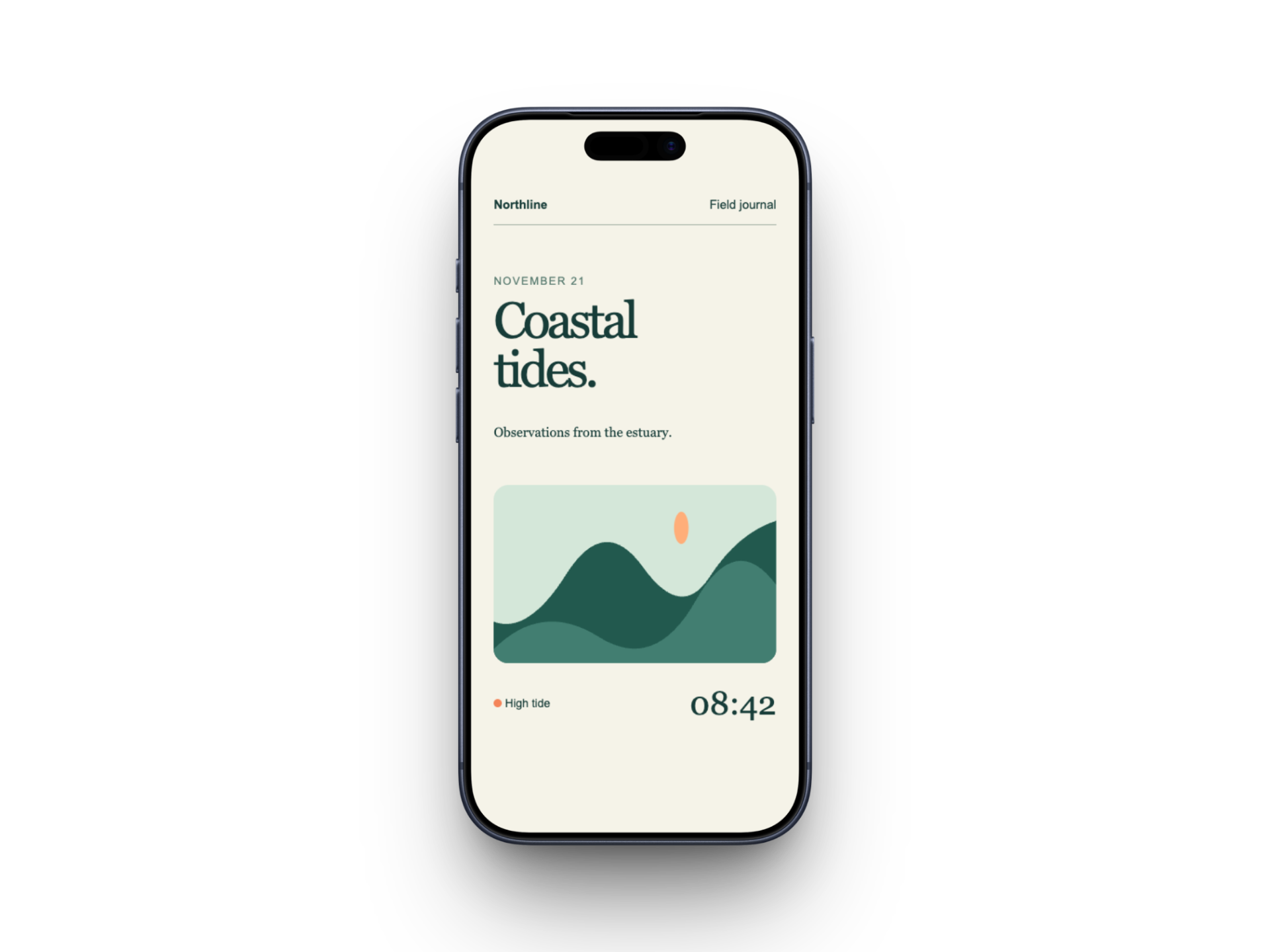
Frame your screenshot
Choose “Open the iPhone 17 Pro mockup” on this page. Drop your app screenshot onto the canvas or select it in the Mockup panel. A screenshot close to the display’s proportions needs less cropping.
Check all four screen edges
In Media settings, compare Fill screen with Fit entire image. With Fill screen, inspect the status bar and bottom navigation. If every line of text must stay visible, choose Fit entire image and check the margins.
Export with transparency
Open Canvas and select Transparent under Background. In Export settings, choose Image and PNG, check the output resolution and download. Place the result on both a dark and a light surface to inspect the frame and shadow.