ShotHue
iPhone 18 Pro, Pro Max or iPhone Duo: which mockup fits your app layout?
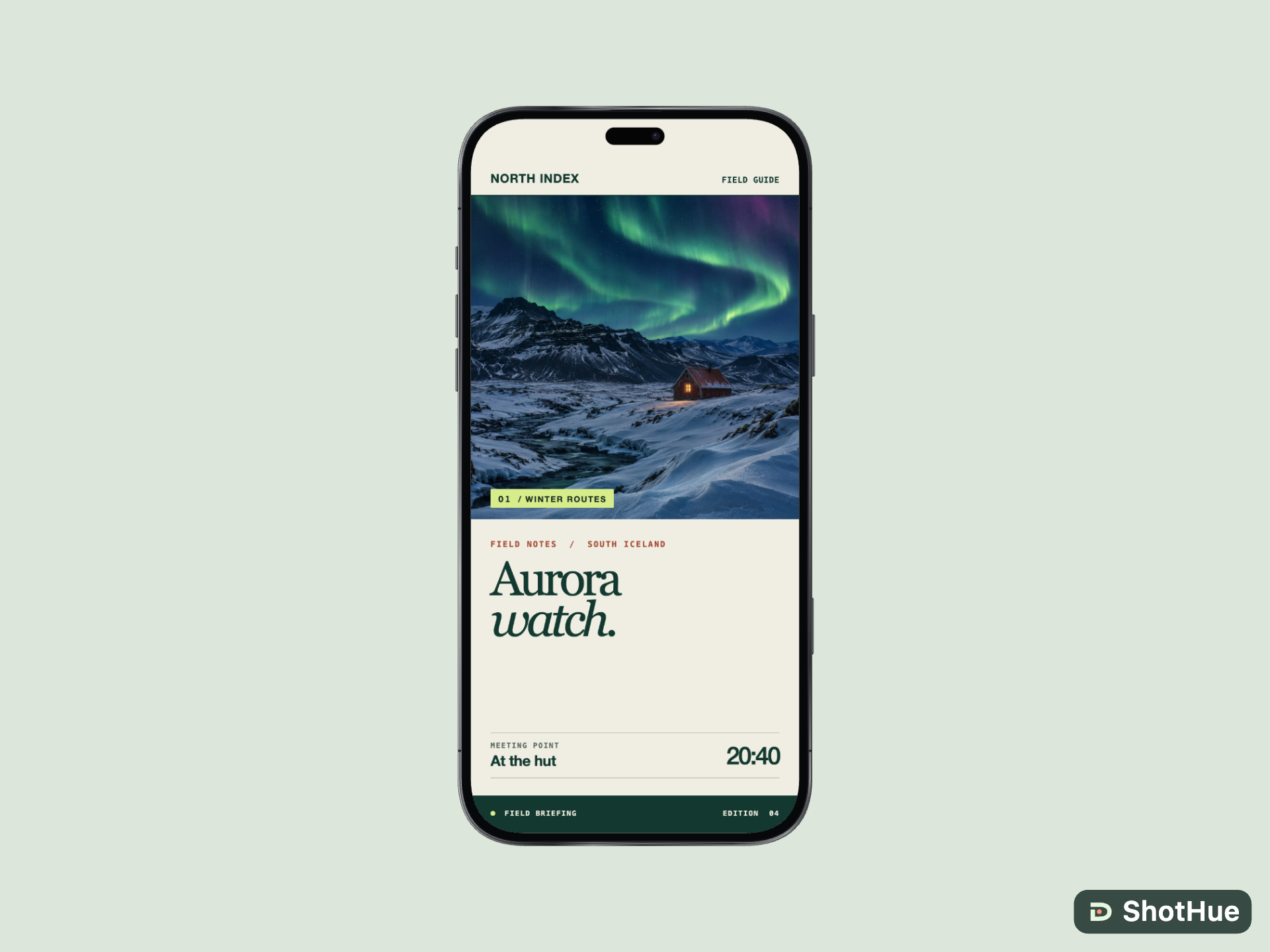
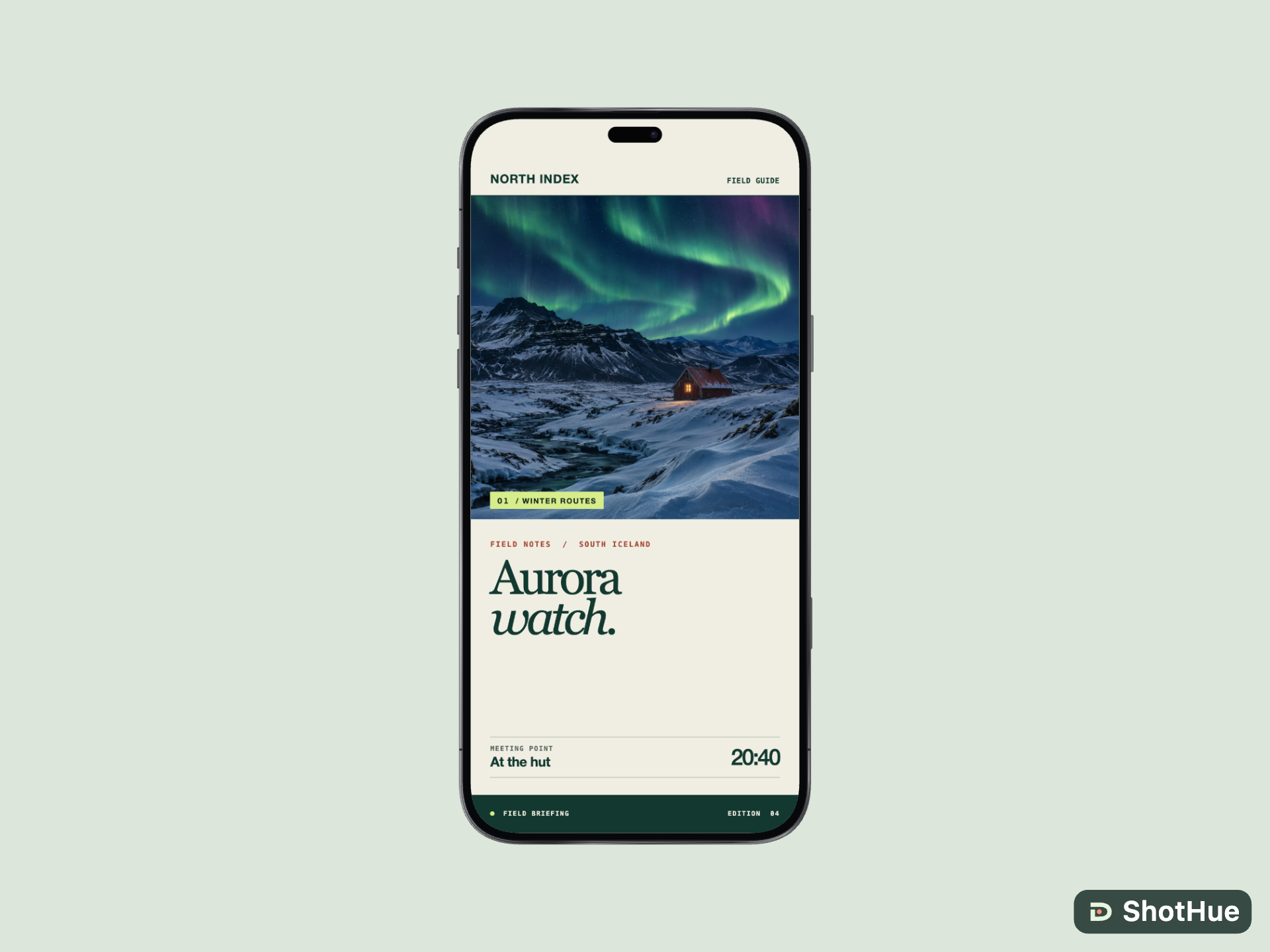
Use the Pro frames to compare a portrait app at equal canvas size. Use the iPhone Duo concept to show how the interface changes when unfolded. Compare four downloadable renders of one aurora field guide.
Try the iPhone Duo concept frame ↗
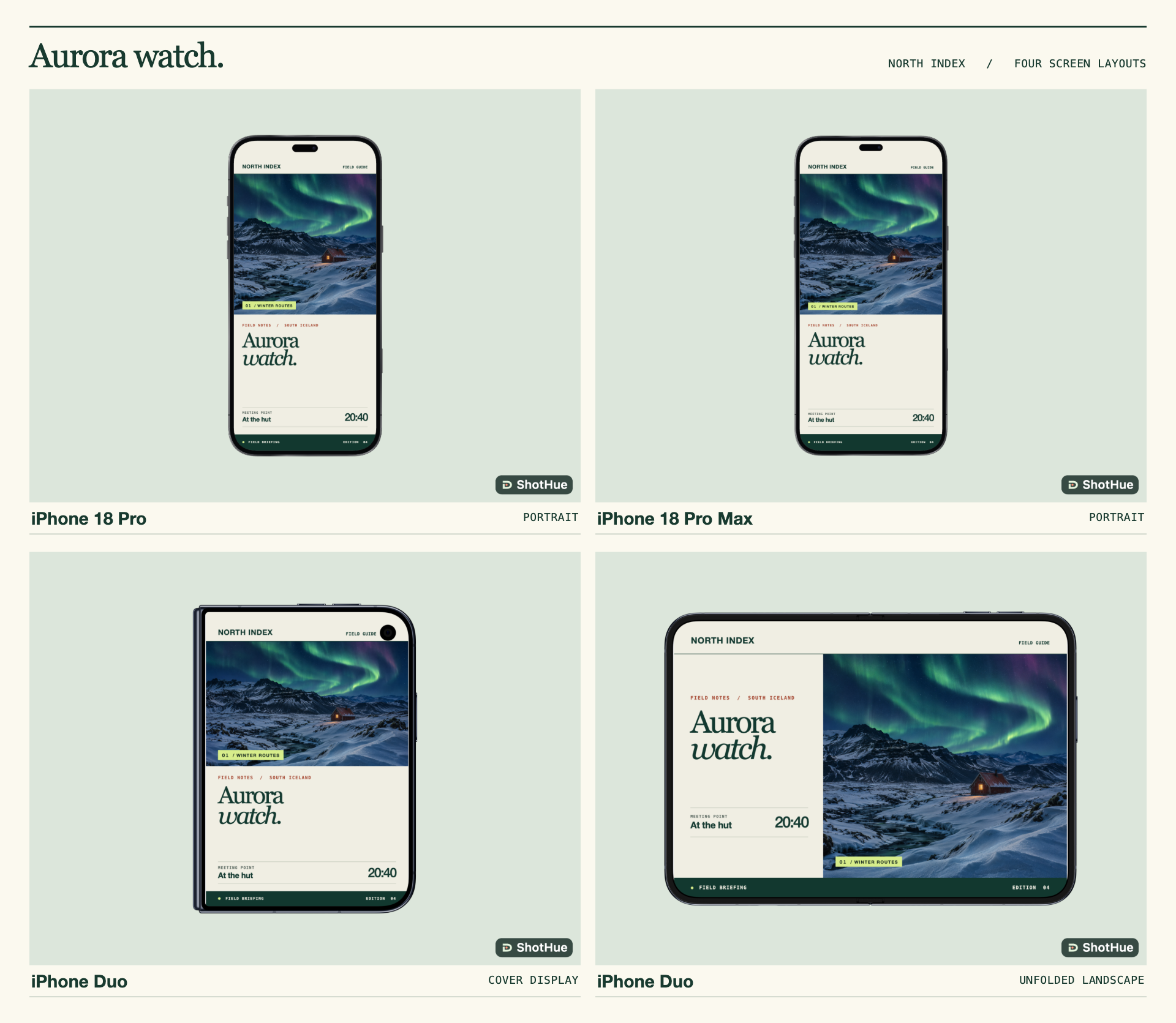
Compare the two portrait renders at equal width
Open the Pro and Pro Max PNGs side by side. Keep the page widths equal. Locate the aurora photo, the title and the 20:40 time at the foot of each screen before picking a frame for your launch page.
Inspect the cover display
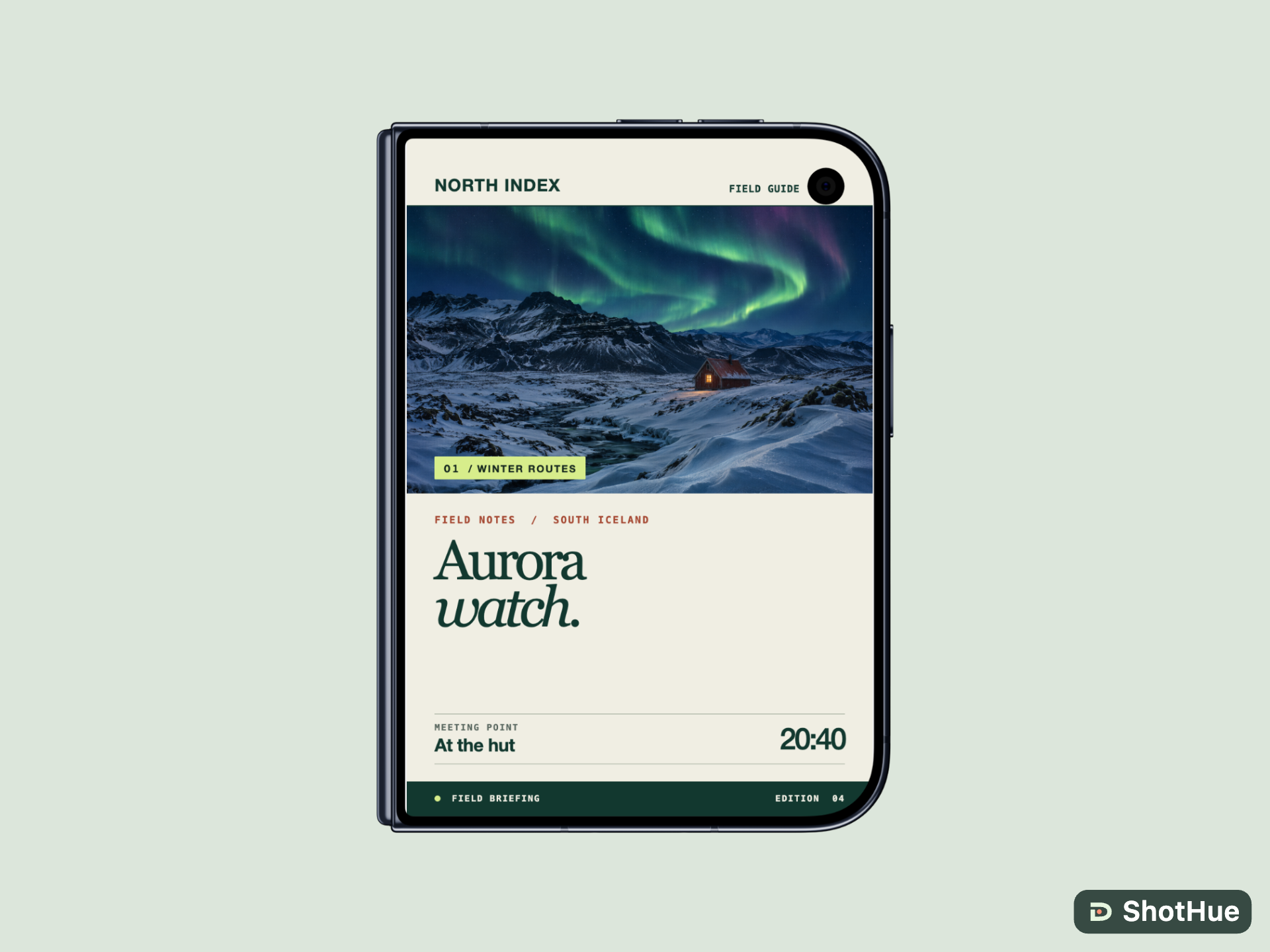
On the Duo cover, the photo still sits above the title. Look near the upper-right camera cutout and the lower text. Use a separate cover layout if controls or text would compete with the device frame.
Show what unfolds
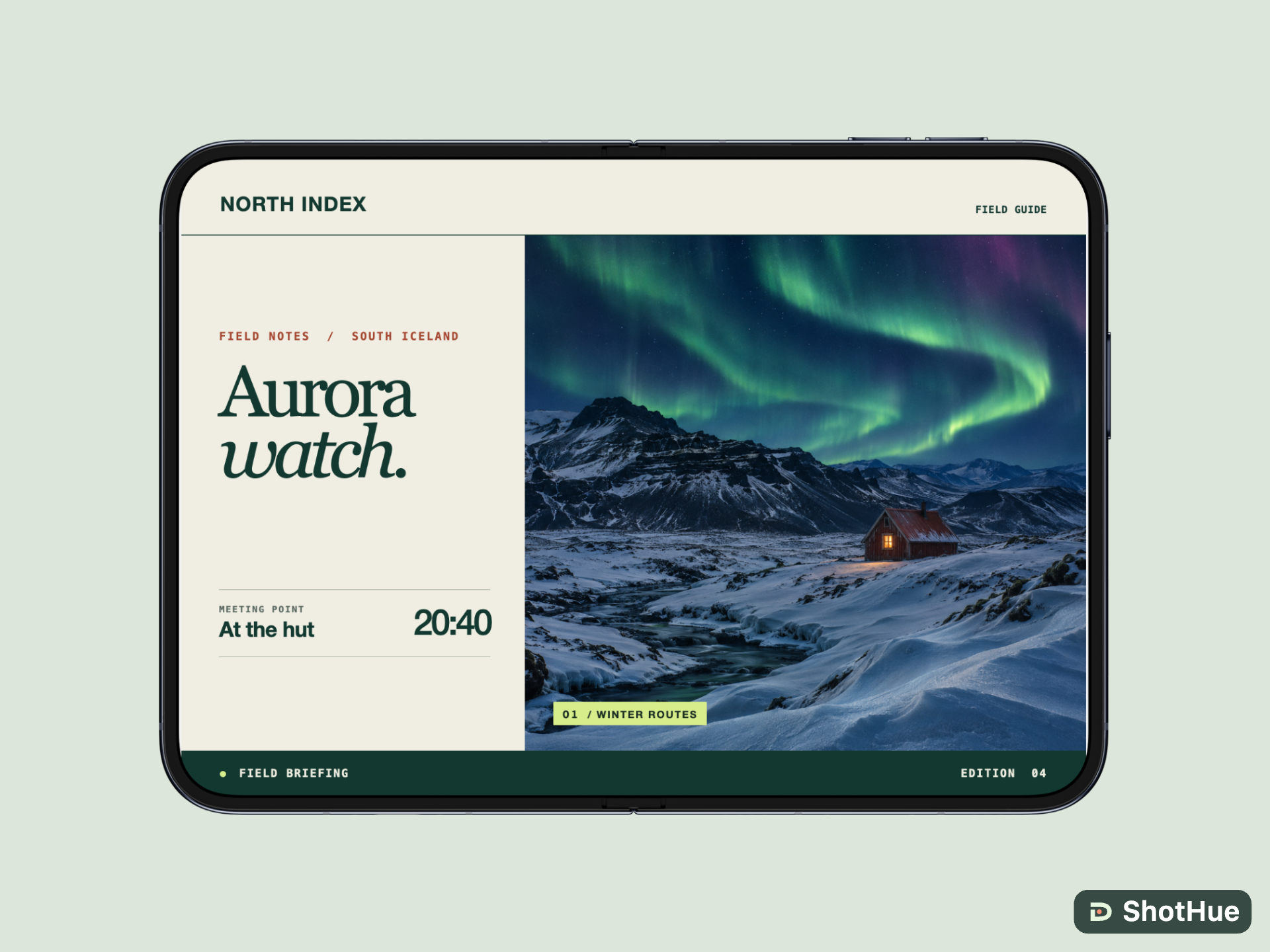
In the landscape example the title and time move to the left, and the photograph fills the right pane. Supply a landscape screenshot for that layout. Changing the frame alone cannot rearrange an app screenshot.