ShotHue
PNG or JPG for an iPhone mockup on a product page?
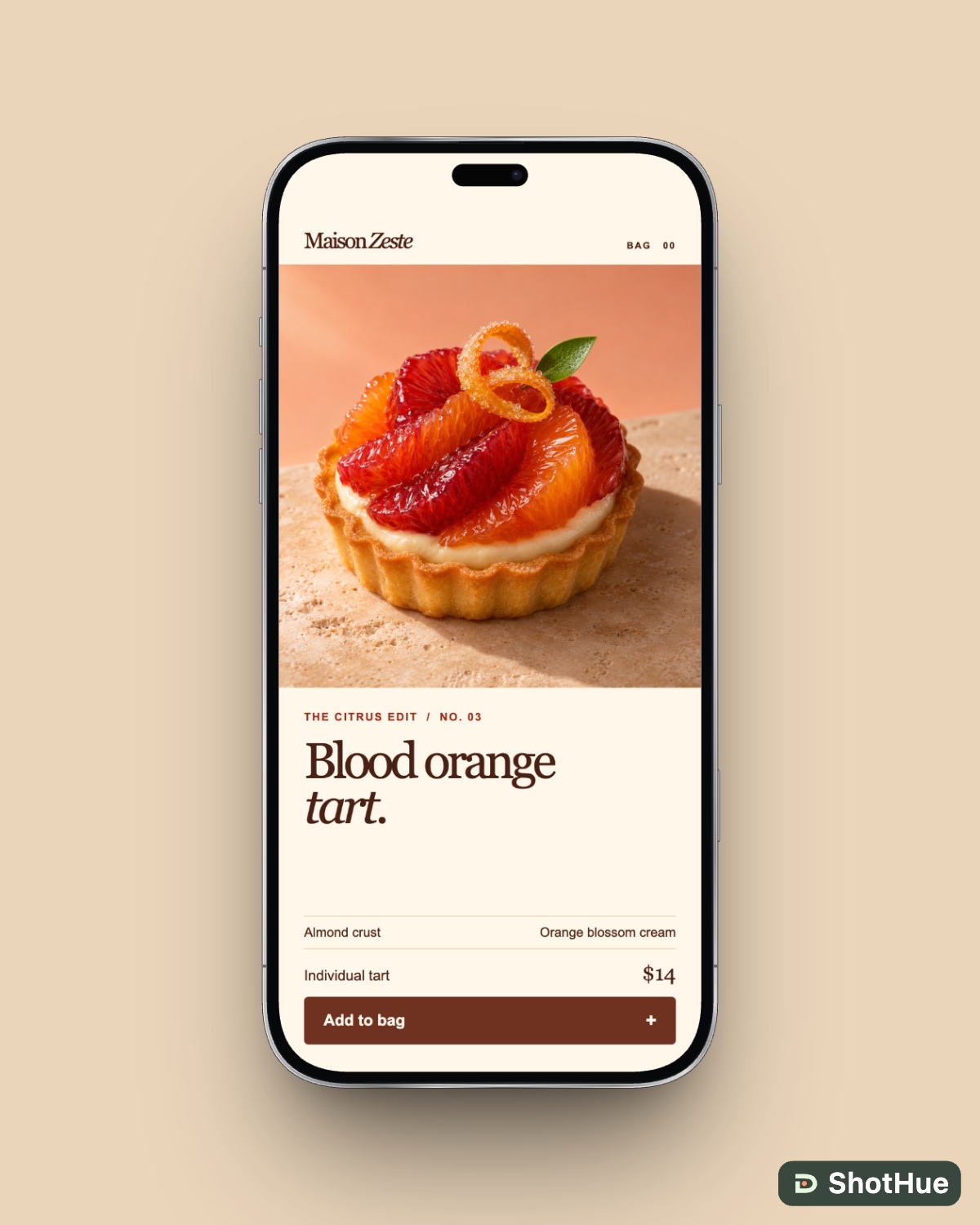
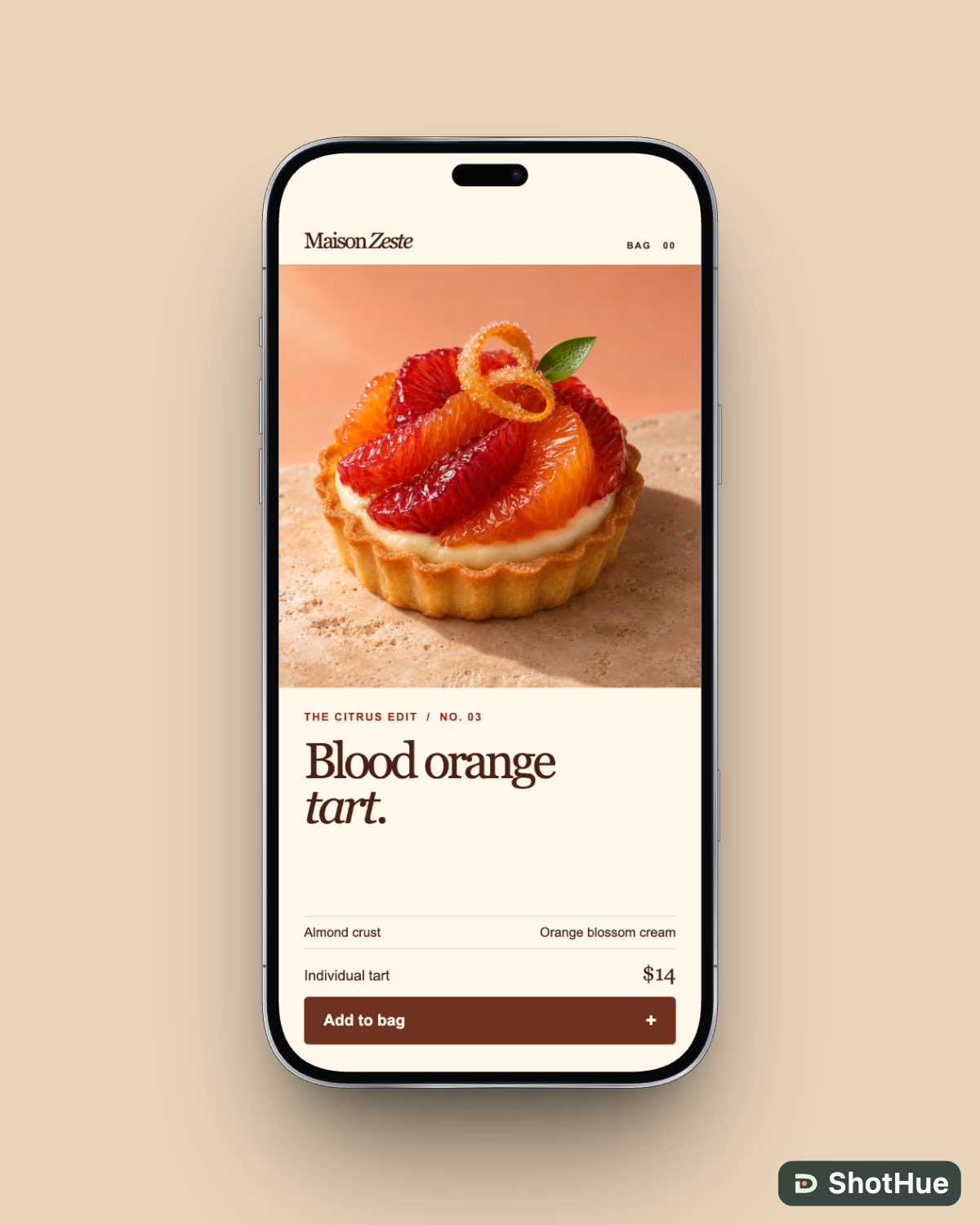
Choose PNG to keep transparency or fine lettering. For a photo-heavy mockup on a solid background, compare a JPG at the same size. Our 1200 × 1500 JPG was 72.2% smaller than the PNG.
Open the iPhone 18 Pro frame ↗
Keep the canvas fixed
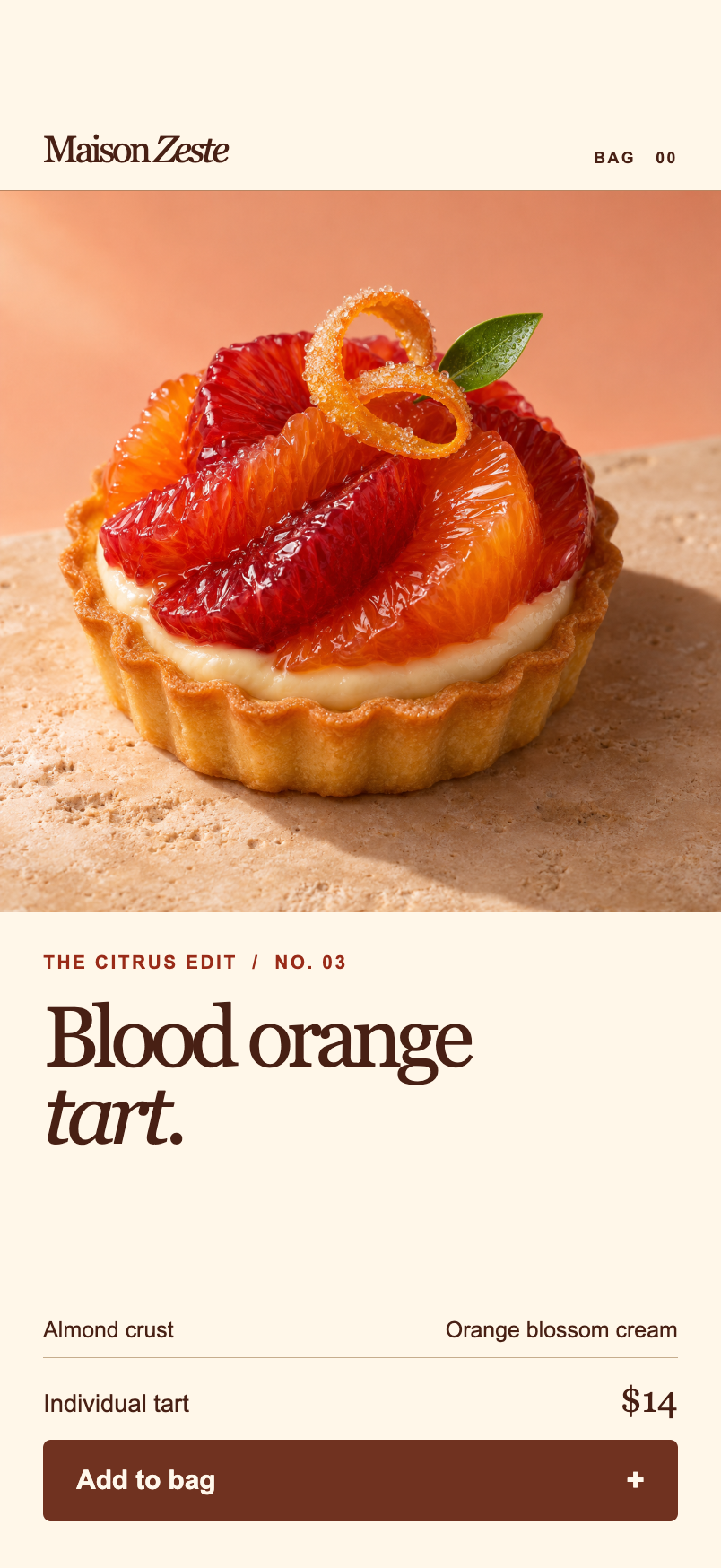
Open the iPhone 18 Pro frame, import the original recipe screen below and set the canvas to 1200 × 1500. Use the same opaque background for both exports so you can compare the lettering against the cream panel.
Inspect the type at its published size
Download both originals. Look at the small recipe details and the orange peel at the width your landing page will display them. Zoom in to see where compression softens edges, then return to the actual display width to decide whether it matters.
Choose the file for its destination
For this recipe page the JPG saves 588,480 bytes per image. Use the PNG when your layout needs a transparent canvas or the JPG makes small text hard to read. Other screenshots and quality settings will give different file sizes.