 ShotHue
Make an iPhone Duo mockup for the cover screen and unfolded display
Compare two layouts of a rail app on an iPhone Duo foldable mockup. Frame the cover and inner screens, check the departure time and export a PNG of each for a UX portfolio.
Open the iPhone Duo mockup ↗

Frame the cover screen
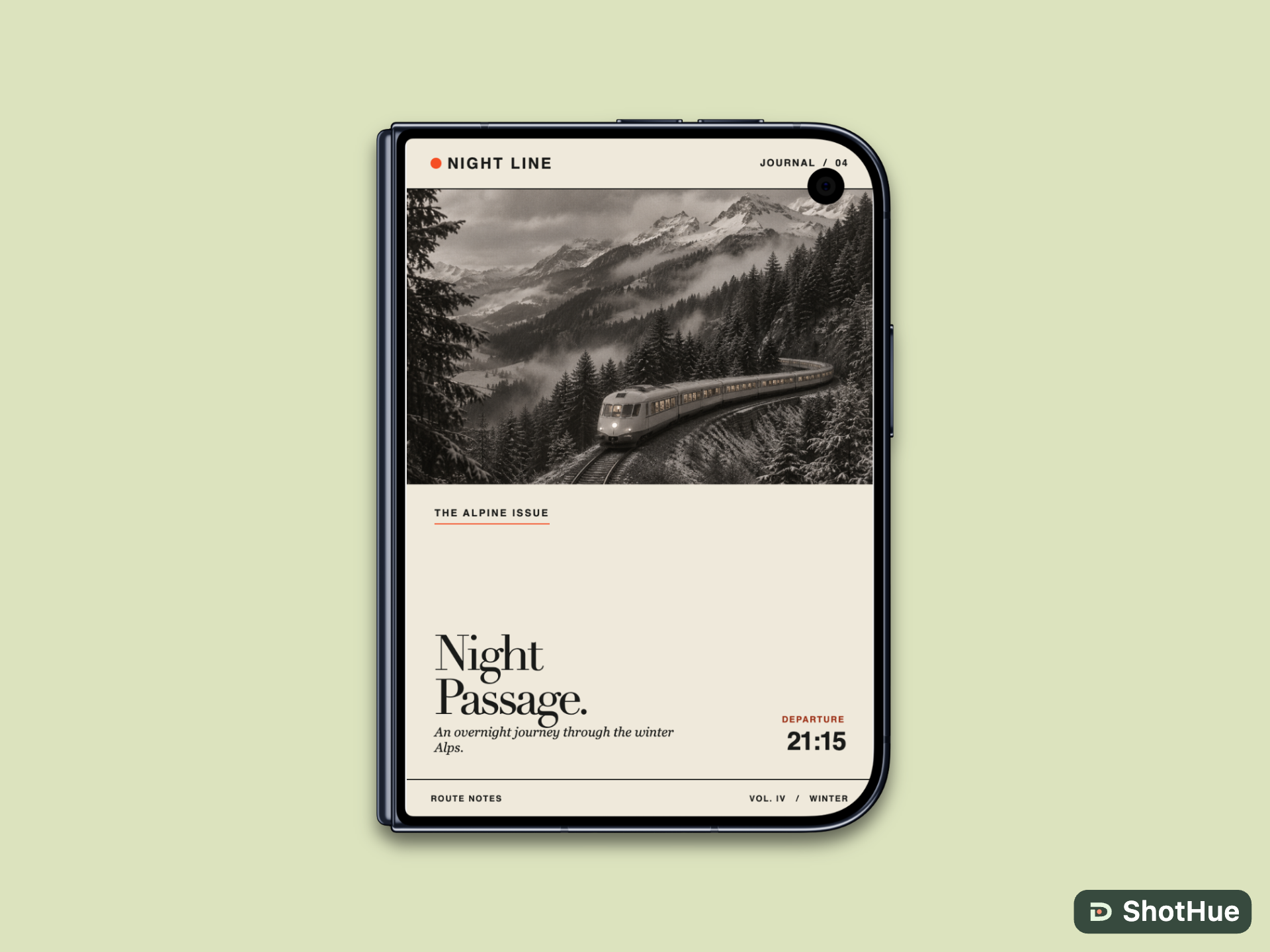
Open the iPhone Duo mockup. Under Fold state, choose Folded cover display, upload the portrait screenshot and choose Fit entire image. At portfolio width, check the text near the camera cutout and make sure the departure time is legible.
Show the unfolded layout
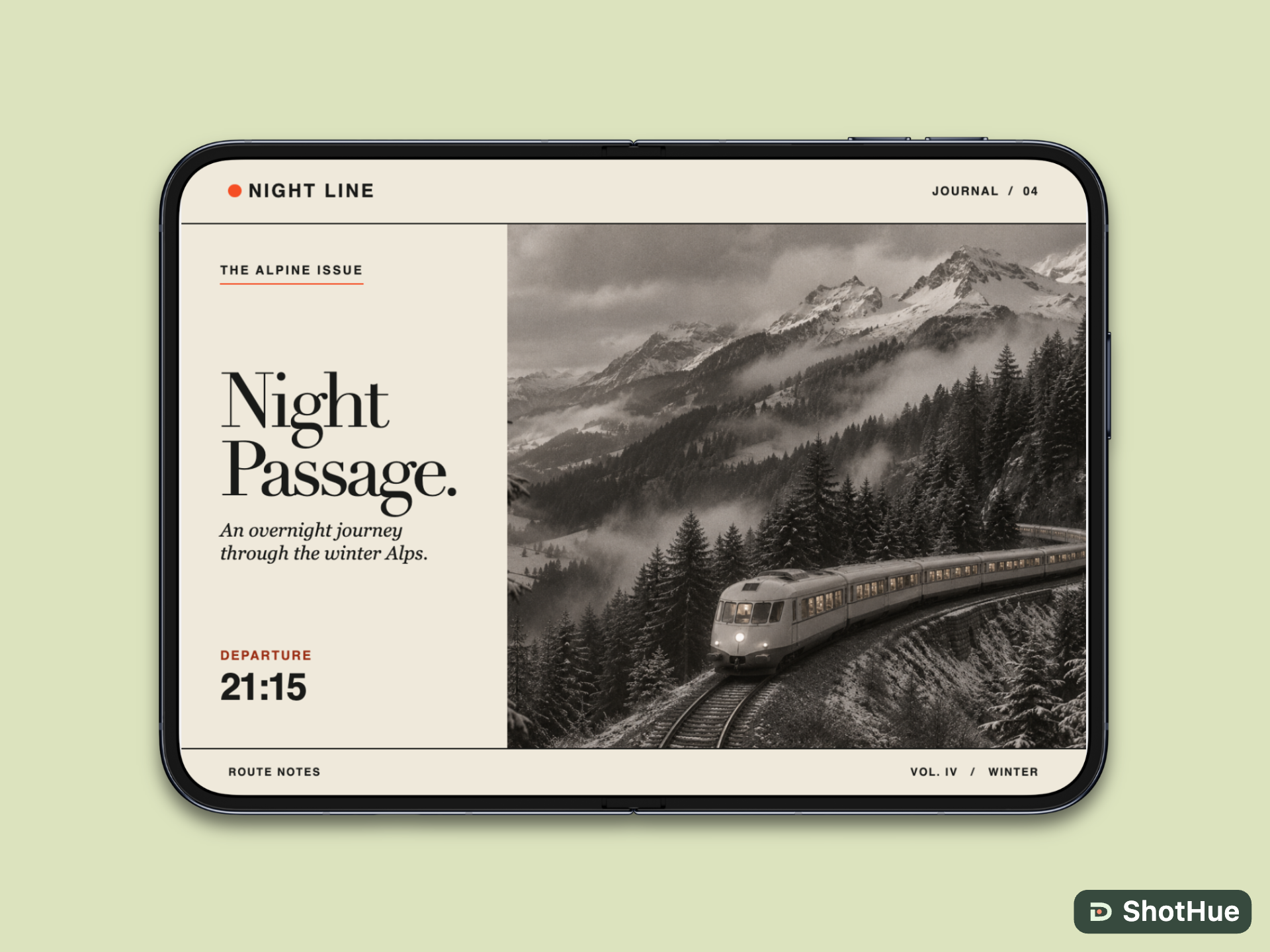
Choose Unfolded landscape and replace the screenshot with the wide app layout. You supply the layout inside the frame. For an app designed to run vertically on the inner display, choose Unfolded portrait and preview that layout separately.
Compare the two PNGs at the same display width
Both examples use the Night sky finish, the same solid pale green background and a 1920 × 1440 output. Place the exports at equal width in your case study. Can a reader pick out the same 21:15 departure on both screens?